Publication and export
Publication card
Open the ☰ Story actions → Card and publication menu item. The card is available before the first scene, and empty optional fields can be saved.
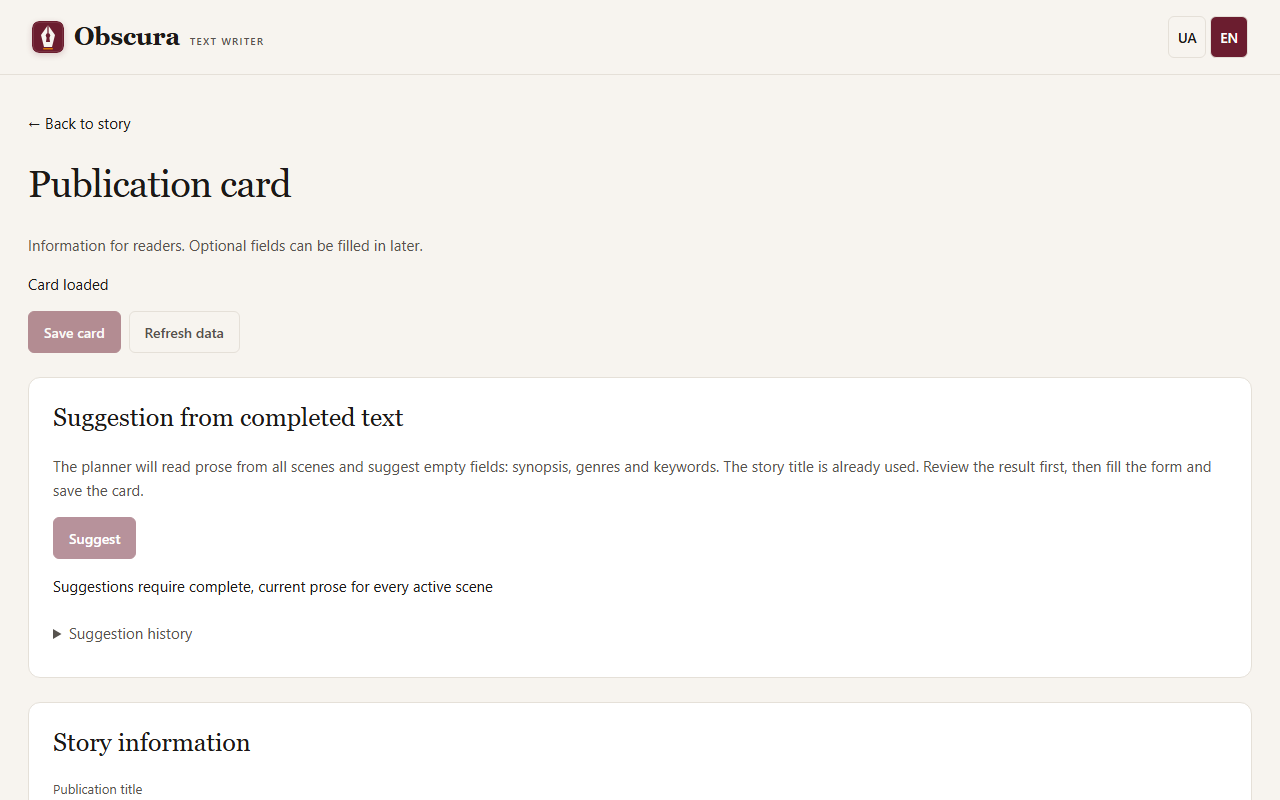
- Title may differ from the working title; an empty title uses the story title.
- Language of a new card is the story language; you can enter another language tag, such as
enoruk-UA. - Synopsis is text for the reader. Genres — up to 10, keywords — one per line, up to 30.
- Authors. Expand Shared author and pen-name directory, add a public signature, select it and press Add author. The directory is shared by all stories; a real name and a pen name are separate entries.
- Additional information: series and number, date, publisher, ISBN (the checksum is verified), rights, translators, original language.
- Cover — PNG or JPEG up to 10 MiB and 20 million pixels. Extra EXIF and GPS data are removed.
- Text cover. If you have no image, choose a palette (Ink, Paper, Wine or Forest) and press Create text cover. Obscura draws a cover from the title, series with number and authors that are in the form right now, even unsaved ones. Text that is too long is cut with «…». The cover does not redraw itself: after changing the title, press the button again.
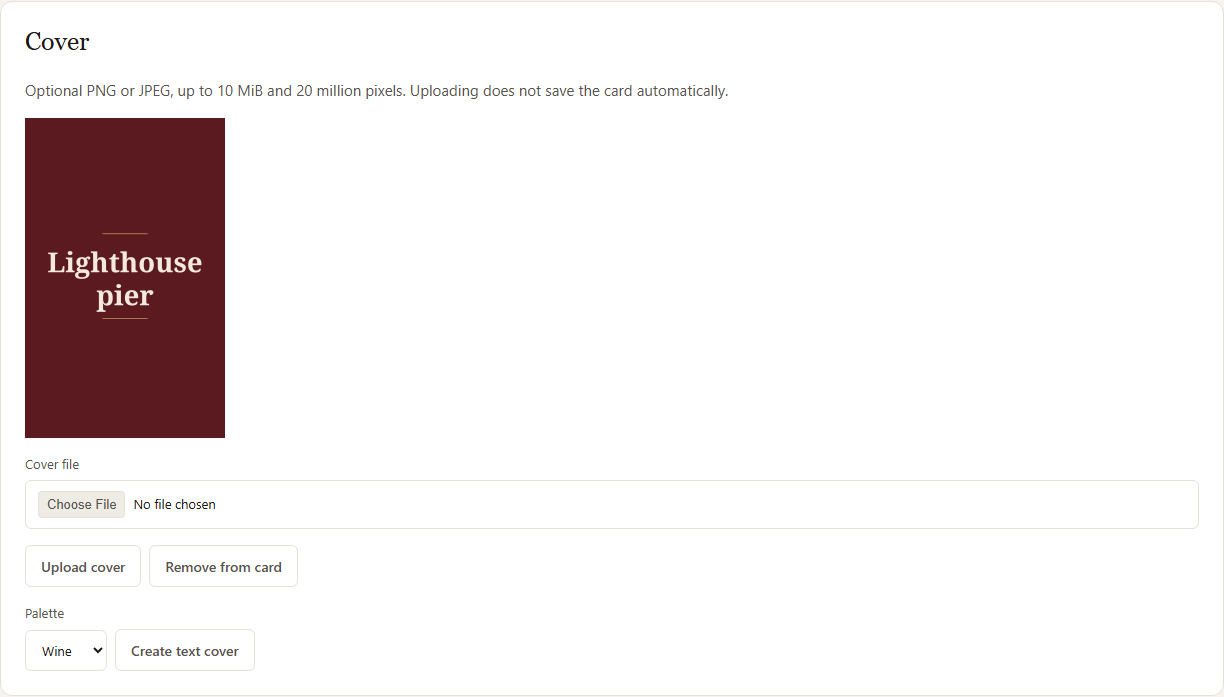
All changes, the cover included, apply only with Save card. The card does not make prose, memory or evaluations outdated. If the card was changed in another tab, your edits stay in the form, and Refresh data first asks whether to discard unsaved changes.
The card can also be filled in from a chat client. When you return to an open card page, it checks for changes from the chat or another tab by itself: a clean form is refreshed, while a form with unsaved edits stays and the page says "The publication card was changed elsewhere". A new signature appears in the directory at once unless you are editing a directory row.
Synopsis and genre suggestions
Suggest asks the planner model to fill in an empty synopsis, genres and keywords from all of the story's prose. Accepted prose for every scene is required, and a cloud model also needs a budget. Review the suggestion, press Fill empty fields, edit and Save card. Fields you have already filled in are not replaced. If the prose changed, an outdated suggestion is not saved, and the form stays.
Export
Open ☰ Story actions → Export… and choose a format: MD, TXT, FB2, EPUB or PDF. The file is created on your computer.
- FB2 needs an author and at least one genre in the card.
- Bold and italics from the text carry over to FB2, EPUB and PDF; TXT removes formatting marks.
- FB2 and EPUB receive an age label from the rating.
- If some scenes need review or have no prose, export requires your explicit permission. The book contains no internal marks: warnings stay only in the separate manifest.
A finished file does not change when you edit the text: create a new export.
The same list has a Plan and characters (.md) item. It gives you one readable file with the general plan notes, the plan of each scene in reading order and the character cards. It needs no prose, but save unsaved edits first. The file is built from the current state when you download it and is not kept among the exports. It cannot be imported back: importing uses the separate plan and character templates.
FB2, EPUB, PDF and covers need the publication extras; the installer includes them. For an installation from source, see Installation.